Cheetah Tool - Server Credits
Cheetah Tool PRO
$8.70
$0.87 each
🐆 Cheetah Tool - Server Credits
Cheetah Tool - Server Credits are used to perform credit-based server operations in Cheetah Tool PRO. Top up your registered Cheetah account with credits to run supported server functions quickly and reliably.
Cheetah Tool PRO automates most operations, letting you complete tasks with just a few clicks. It supports a wide range of MTK, Qualcomm and Unisoc (SPD) devices across popular brands.
🚀 Key Features
- ✔ User-friendly — no professional expertise required
- ✔ One-click automated operations
- ✔ FRP (Factory Reset Protection) removal
- ✔ Screen Lock / Pattern / PIN removal
- ✔ IMEI repair & network unlock operations
- ✔ Flashing / Format / Factory reset
- ✔ Read / Write firmware
- ✔ MTK, Qualcomm & Unisoc (SPD) support
- ✔ Demo remove & bootloader operations
- ✔ Read device information
- ✔ Regular updates with new model support
📱 Supported Devices
- ✔ Vivo, OPPO, Xiaomi, Samsung & Realme
- ✔ Infinix, Tecno, itel & other MTK / SPD brands
- ✔ Qualcomm, MTK & Unisoc (SPD) based devices
- ✔ Continuous updates with latest model support
📋 License & Credits
🛠️ How to Add Server Credits
- Create your Cheetah Tool account using the official registration page:
https://cheetah-tool.com/en/Sign_upRegister Form: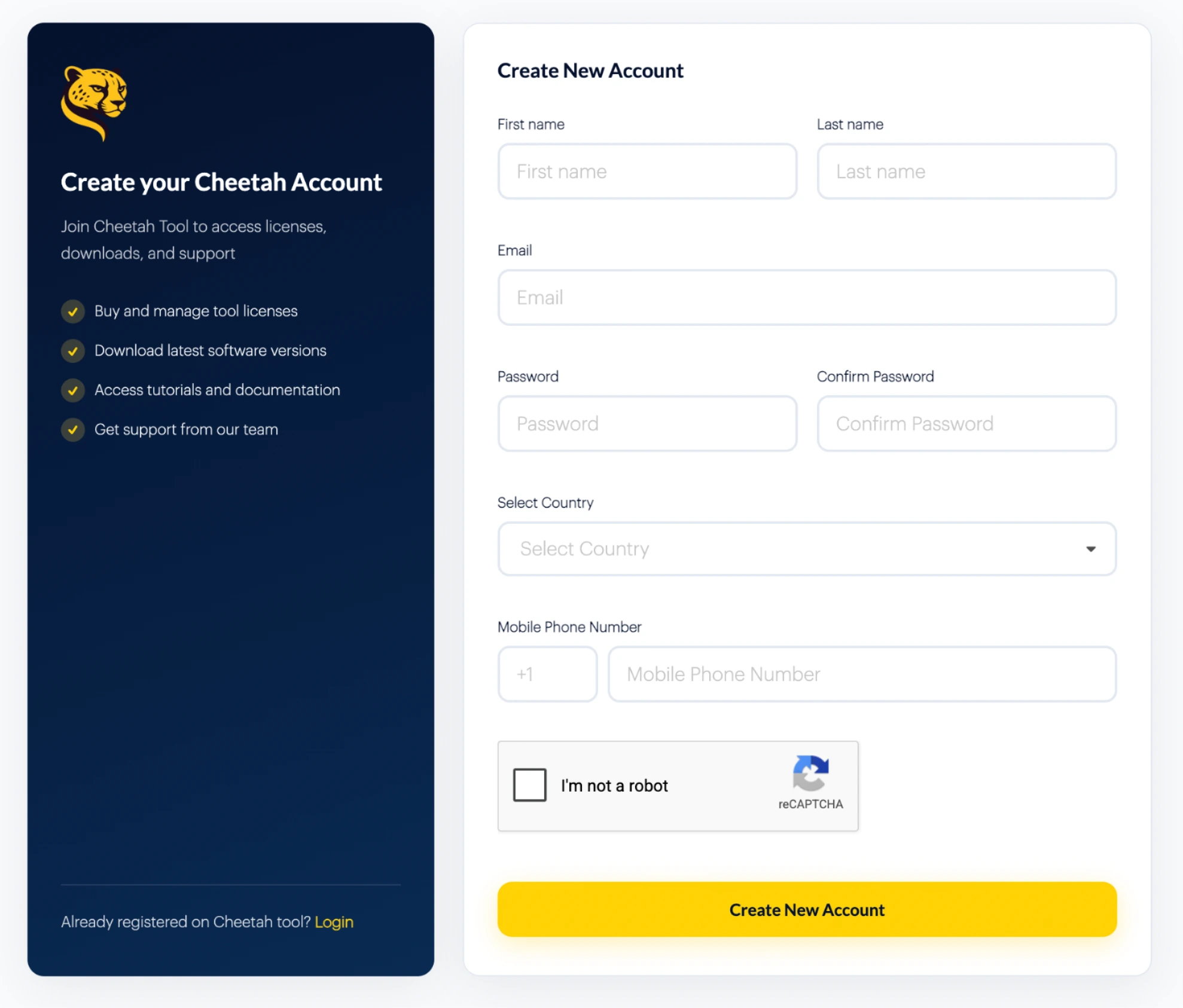
- Register using a valid Email Address. Your registered email will be required for credits top-up.
- Purchase the required amount of Cheetah Server Credits.
- While placing your order, enter the same Email Address used during Cheetah registration.
- Your credits are added to your registered Cheetah account automatically.
- Open Cheetah Tool PRO, log in, and your available credits will be shown in your account.
📺 Video Guide

⚠️ Important Note
Your Cheetah Tool account must be registered before placing the activation order. Please provide the correct registered Email Address to avoid activation delays or incorrect activation.
🔗 Related Cheetah Tool PRO
Activation Plans:
Ideal for technicians and repair shops who want a fast, easy Cheetah Tool PRO solution with simple digital activation.