Tecno / Infinix ID Removal – Cloud ID OFF | Fast Service
Infinix Tecno Itel Cloud ID & Demo Mode
$3.24
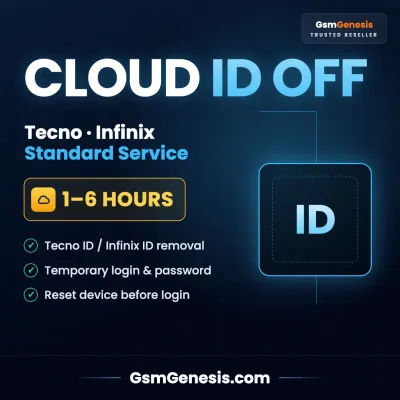
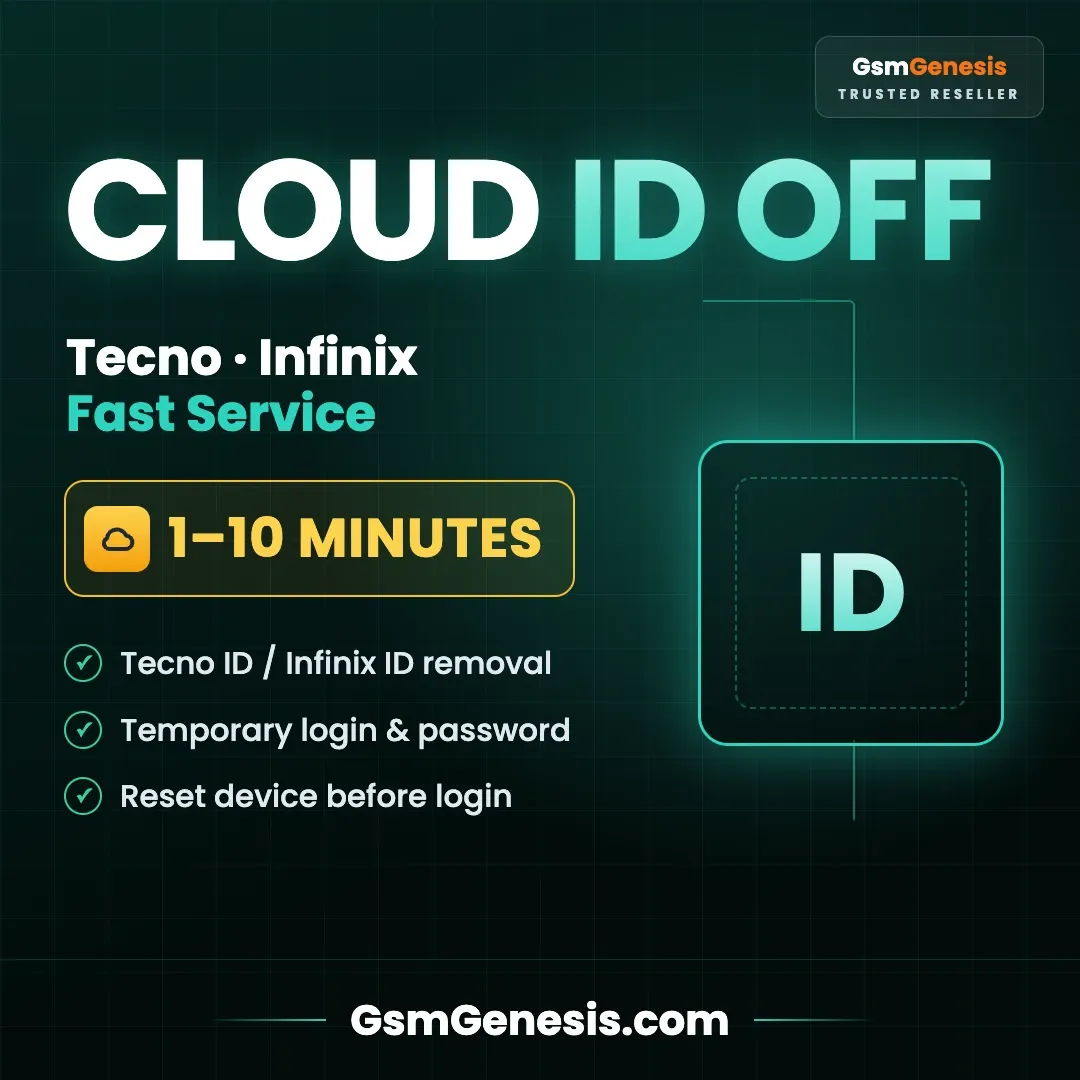
🔓 Tecno ID / Infinix ID Removal - Cloud ID Officially OFF
Tecno / Infinix ID Remove Fast is a professional server-based service for supported Tecno and Infinix devices. After order processing, a temporary login and password will be provided for the specific device.
This service is suitable for technicians, resellers, and users who need a fast and reliable ID removal solution. Please read all rules and instructions carefully before starting the process.
🚀 Key Features
- ✔️ Tecno & Infinix supported devices
- ✔️ Temporary login and password provided
- ✔️ Fast server-side processing
- ✔️ Login delivery usually within 1–5 minutes
- ✔️ Professional technician workflow
- ✔️ Device-specific access only
⚡ Processing Time
- ✔️ Login delivery: 1–5 minutes after order processing
- ✔️ Login validity: 5–12 hours only
- ✔️ Replacement code time: 1–24 hours after verification
- ✔️ Processing time may vary depending on server status
📋 Important Guide for Unlocking Infinix / Tecno ID
Please read the following terms and steps carefully before starting the process.
1️⃣ Receiving Data & Login Validity
After placing the order, a temporary login and password will be sent within 1–5 minutes.
- ✔️ Login and password are valid for only 5–12 hours
- ✔️ Login works only for the specific phone you ordered it for
- ✔️ Complete the process within the validity period
- ✔️ Expired login and password cannot be reused
2️⃣ Device Preparation – First Step
⚠️ Important: Before entering the login and password, you must perform a Recovery Hard Reset on the phone or completely wipe/reset it using professional box, dongle, or programmer tools.
- ✔️ Perform Recovery Hard Reset before login
- ✔️ Or wipe/reset the phone using professional tools
- ✔️ Do not enter login before reset/wipe
- ✔️ After reset, connect the phone to a stable Wi-Fi network
3️⃣ Login & Activation
- ✔️ Connect the phone to a Wi-Fi network
- ✔️ Enter the login and password received from the server
- ✔️ After successful login, the phone will be unlocked
🔐 Secure Process | ⚡ Fast Delivery | 🌍 Professional Service
🛠️ Troubleshooting Guide
⚠️ “Try Again” Error
- ✔️ This is usually caused by an internet connection issue
- ✔️ Change the Wi-Fi network
- ✔️ Or connect to a different internet source, such as a hotspot from another phone
⚠️ “Wrong Password” Error
If the device shows a wrong password message, record a video immediately.
- ✔️ The video must clearly show the IMEI code from the back of the phone
- ✔️ The video must show the process of entering the provided login and password
- ✔️ Send the video for verification
- ✔️ A new code may be provided within 1–24 hours after verification
- ✔️ Be ready at any moment because the new code is also valid for only 5–12 hours
🚫 Crucial Note – 24 Hour Rule
If more than 24 hours have passed since your original order time and you request a new code, your request will be rejected and a new code will not be issued.
- ✔️ New code can only be requested within 24 hours from the original order time
- ✔️ After 24 hours, replacement code request will be rejected
- ✔️ New code will not be issued after the 24-hour window
- ✔️ Replacement code is also valid for only 5–12 hours
- ✔️ Please stay ready and complete the process quickly
⚠️ No new login/password will be provided after 24 hours from the original order time.
⚠️ Important Notes / Disclaimer
- ✔️ Works only for supported Tecno / Infinix devices
- ✔️ Correct device details are required
- ✔️ Login and password are valid for limited time only
- ✔️ Login works only for the ordered device
- ✔️ Device must be reset/wiped before entering login details
- ✔️ Internet connection must be stable during login
- ✔️ Replacement requires proper video proof
- ✔️ No new code after 24 hours from original order time
- ✔️ Processing and replacement code time may vary
- ✔️ Use only on devices you are authorized to service
🚫 Please read all instructions carefully before ordering.